
SkyCrown Casino App for Australian Players
| Feature | Details |
|---|---|
| Platform Type | Progressive Web App (PWA) – accessible via home screen shortcut; not available on App Store or Google Play |
| Device Compatibility | SkyCrown app for Android & iOS devices (e.g., iPhone 7+, Samsung Galaxy S21+, Xiaomi Redmi Note 11) |
| Installation | Android: Use Chrome → “Add to Home Screen” iOS: Use Safari → “Add to Home Screen” |
| Game Selection | 7,000+ games including slots, live dealer games, and table games |
Given that we are now in the 21st century, we’ve got certain technological expectations. One of them is that an online casino platform is only as good as its mobile application. Or, more precisely, how its website appears on mobile devices.
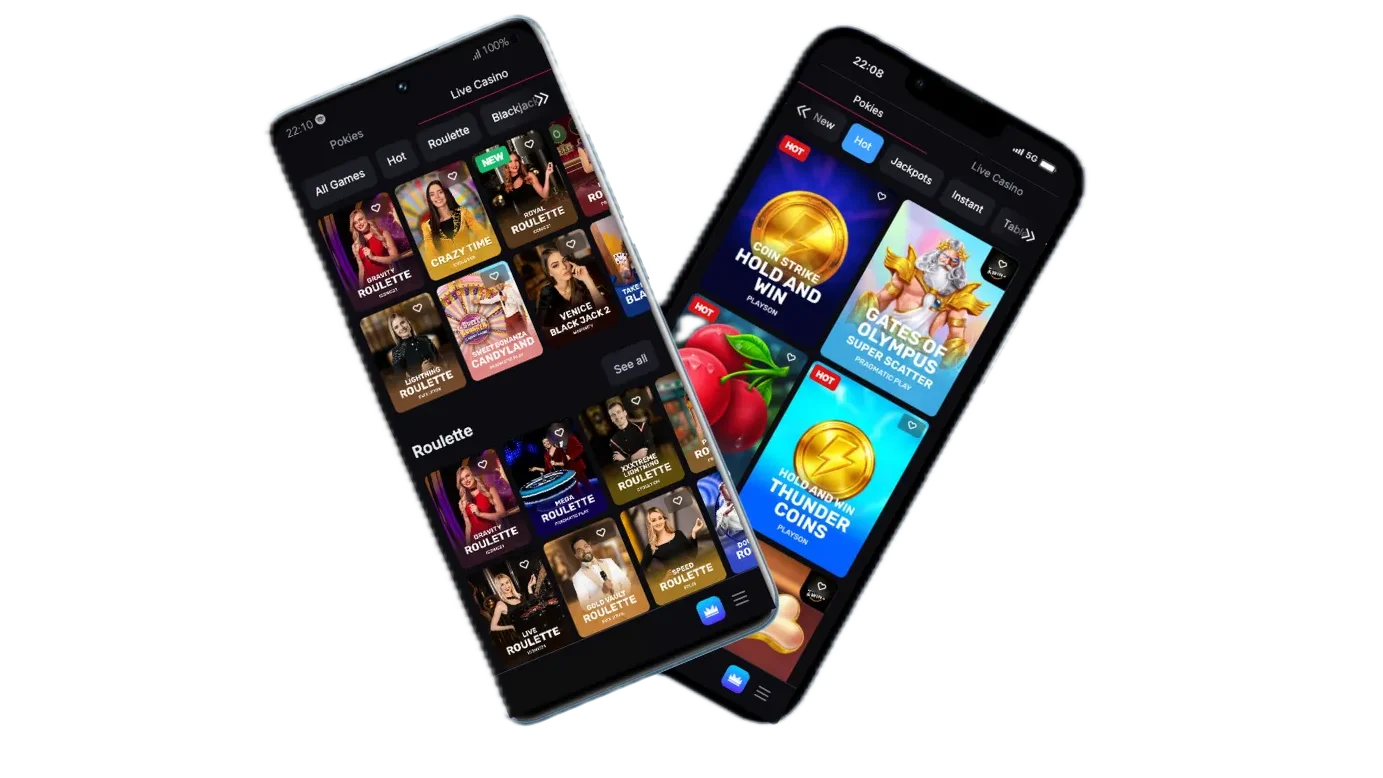
We will save you the time of trying on every device and confirm that SkyCrown Casino is compatible with Android and iOS operating systems, works on all mobile phone browsers and is perfectly HTML5 fitted to any screen size. Therefore, if you enjoy gambling on the go or winding down with a few spins before bed, then you can do this effortlessly with the SkyCrown app.
How to Use the Sky Crown App
We don’t limit your gaming opportunities to just your laptop. It’s possible to install an app on your mobile phone. And the good thing is that our mobile version and app work the same way as the PC version.
The sign-up procedure is straightforward, as you will see later in this guide. After you have successfully completed this process, you will be able to access the mobile floor and place your wagers on different online pokies and table games. These games are usually compressed to suit smaller screens.
Following a lucky gaming session, we have provided our mobile users with different secure and convenient payment methods that they can use to cash out their winnings.
Below are detailed instructions for Skycrown App download for Android and iOS.
How to Install the SkyCrown App on Android and iOS Devices
Time needed: 2 minutes
Follow these steps to install the SkyCrown app on your mobile device. Whether you’re using an Android or iOS device, the process is simple and quick.
- Step 1: Visit the Website
Open the web browser on your mobile device (e.g., Chrome or Safari). Go to the SkyCrown website.
- Step 2: Open the Browser Menu
For Android: Tap the three dots (or similar menu icon) in the upper-right corner of your browser window.
For iOS: Tap the share icon, usually located at the bottom of the browser screen and represented by a square with an arrow pointing upwards. - Step 3: Choose “Add to Home Screen” or “Install”
For Android: From the browser menu, select “Install” or “Add to Home Screen.”
For iOS: Select the “Add to Home Screen” option. - Step 4: Confirm Installation
For both Android and iOS: A confirmation prompt will appear. Tap “Install” or “Add” to proceed with the installation.
- Step 5: App Installed
Once the installation is complete, the SkyCrown Casino mobile app will appear on your home screen. Tap on the app icon to start using it.
Available Device Types
Sky Crown App offers unmatched compatibility, ensuring accessibility across a range of devices, such as phones, tablets and desktops. For Australians who prefer apps, we offer versions for both Android and iOS. Our website is also fully optimised for a desktop experience.
Tablets and desktops give you more screen space; however, the gameplay remains just as seamless and immersive across all platforms.
Below are some of the top mobile brands you can use to access our platform:
| Brands | Active OS | Examples of Devices |
| Android | 6.0 to 15 | Samsung, Google Pixel, Xiaomi, Oppo, Vivo, Realme phones, etc. |
| iOS | 6 to 16 | iPhone 6 to iPhone 16 Pro Max |
Mobile Version Interface
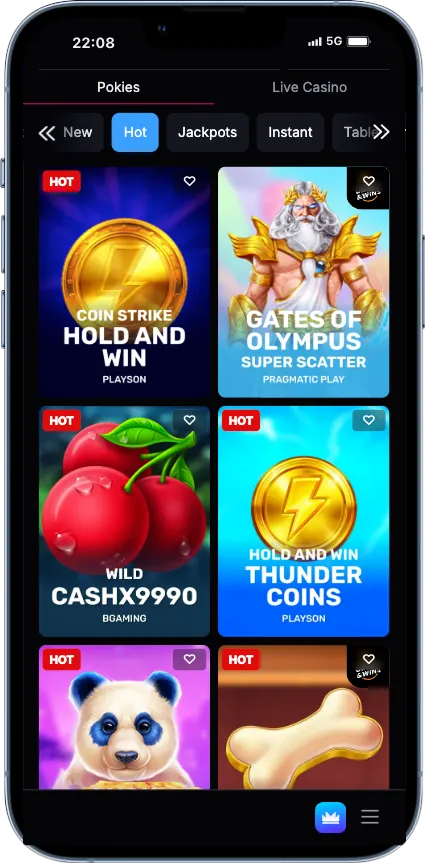
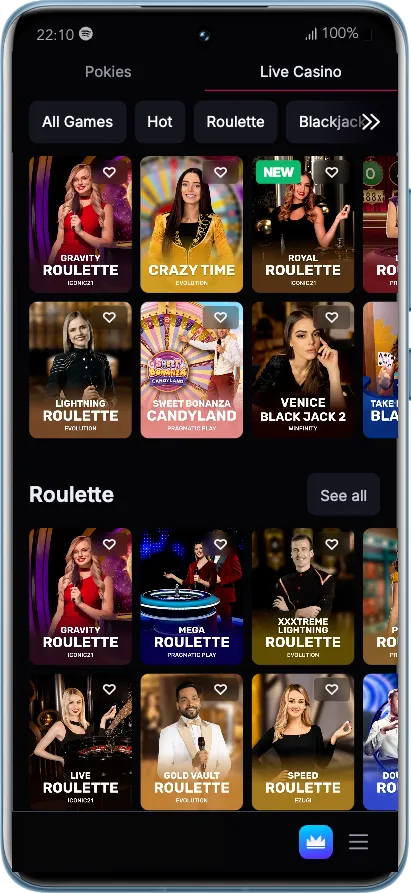
When you first access the Sky Crown app, you will notice that the layout is similar to using a web browser on a laptop. We have made it easy for users to access all the important features of the platform. The main menu is in the top-left corner and houses tabs such as promotions, Tournaments, VIP, Loyalty and more.
Our homepage welcomes you with current bonuses and promo deals. Scrolling, you encounter the “New,” “Hot,” and “Editor’s Picks” sections.
We have placed the registration and login icons in the top-right corner. Other key sections, such as payments, FAQs, Terms and Conditions, Privacy Policy and Responsible Gambling, are also easily accessible on the app.
SkyCrown Account Registration and Deposit
To take full advantage of the SkyCrown app for Australia, you must first create an account. This is quick and easy on both mobile devices and desktop. Without a gaming profile, you can only play the demo versions. Signing up via the desktop is easy, but doing so via the software is even easier, as you will see below:
- Launch the SkyCrown Casino app or visit our official website via your phone browser.
- Click the “Sign Up” button.
- Fill out the registration form with a valid email and a strong password.
- Select your country and currency.
- Once all registration fields are completed, click “Create Account.”
After registering successfully, log in to your account and make a deposit. We accept bank cards, e-wallets and cryptocurrencies as methods of payment. The depositing process looks as follows:
- Log in to your SkyCrown mobile app account and click the deposit option.
- Select your preferred financial solutions.
- Enter the deposit amount and other relevant details. Remember, the minimum deposit limit is AUD 30.
- Confirm the details are correct and submit the transaction.
Benefits of Using the SkyCrown Application
Using the SkyCrown app comes with advantages and disadvantages. However, we would also like to point out that some of the weaknesses are influenced by external factors.
| Pros | Cons |
| Compatible with all devices and Android and iOS operating systems | Small screen orientation |
| User-friendly interface | Restricted in some countries |
| Mobile-compatible games | |
| Generous bonuses for players | |
| Fast and secure transactions | |
| Offers the same experience as the desktop version |
Bonuses for Mobile App Players
As a SkyCrown mobile app user, you can claim all the same bonuses and promotions on the desktop site. We start by matching your first deposit by 120% and the second by 100%. The third and fourth deposits are matched by 50% and 150%, respectively.
Should you be interested in big wins right from the start, we have a high roller bonus, where the first deposit earns you a 50% match-up to offer cash.
We encourage all our new members to read and understand the bonus terms. For example, our welcome bonus activates after a deposit of AUD 30+. The promo codes needed to activate the first four deposits include SKYFUN, ROYAL75, NOBLE50 and CROWN, respectively. The wagering requirements stand at 40.
Other Ongoing Bonuses for Mobile Users
SkyCrown Casino app users can also claim other ongoing promotions, such as:
- Spin & Win Mondays: Get up to 100 free spins
- Friday Fiesta: Get up to 99 free spins
- Midweek Magic: 50 free spins or 50% bonus
- Meet & Spin Offer: Get up to 20 free spins
- Daily Deposit Delight: Get 25% on every fourth deposit
- Super Spin Saturday: 15 Super Spins
- VIP Weekly Cashback: Play slots and get 10% cashback
Sky Crown Casino App Security and Data Protection
For a good reason, most Australian gamblers research a casino’s reputation and security potential before hitting the registration button. Nobody wants to join a gambling site whose security systems can be easily corrupted, putting customers at risk. Fortunately, this is nothing like the SkyCrown app.
All our services are therefore regulated by this licensing authority.
We also use the latest SSL encryption technologies to mask all your communications with the Sky Crown casino app. That way, unauthorised parties will find it impossible to intercept communications. Additionally, our app has strong firewalls in place to counter possible hacker attacks.
In terms of reputation, there is nothing to worry about as well. Although the app has been in operation for a few years, there haven’t been any complaints from the users. Our mobile games are regularly tested for fairness and randomness, and we deliver winnings in time.
FAQ
Is the SkyCrown mobile experience the same as the desktop version?
Yes, the mobile version of SkyCrown Casino offers a similar experience to the desktop platform, with all games, payment methods, and features available directly on your mobile device.
Can I play for real money on the SkyCrown mobile app?
Yes, you can play for real money on the SkyCrown mobile app. The platform supports various payment methods for deposits and withdrawals, ensuring players can enjoy seamless transactions on mobile.